QUALITY & CUSTOMER REPORTING
Every installation.
A documented record
See the records and photos behind standard and complex camera installations, then explore how an aftercare issue is documented through resolution.
SNI FIELD PHOTOGRAPHY
A closer look
inside the cab
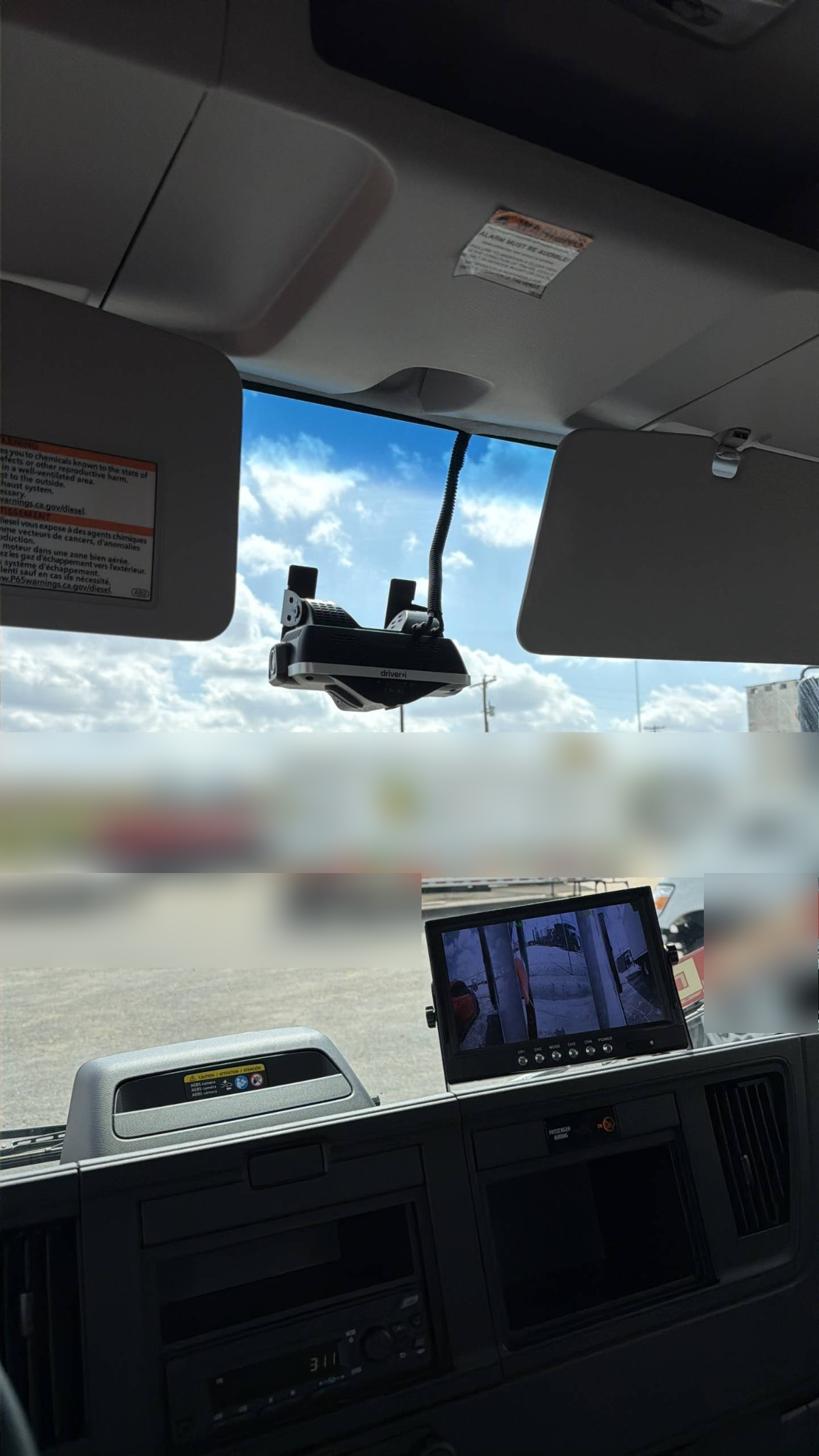
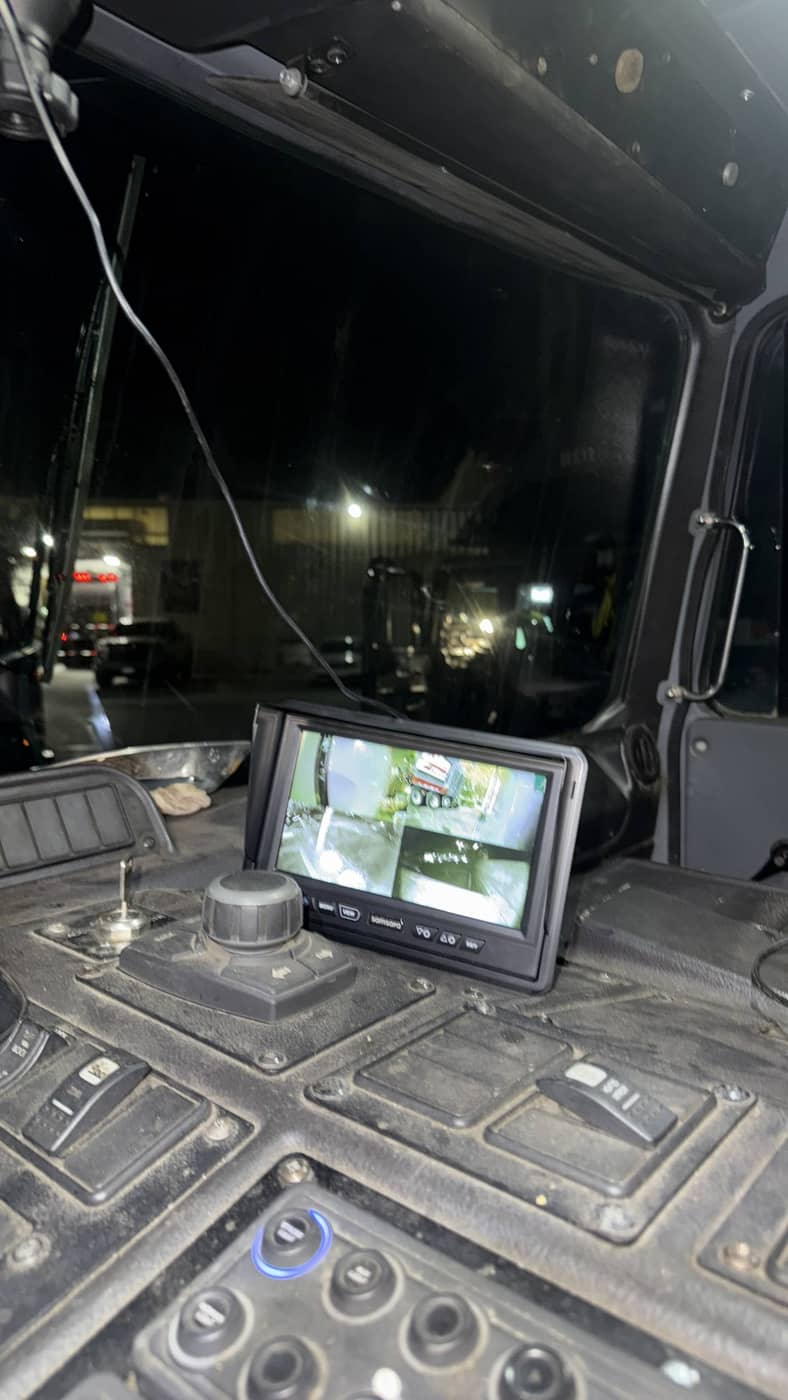
One view brings together the windshield-mounted camera, visible conduit routing and an operating multi-camera monitor.
- Camera position within the cab
- Visible cable conduit routing
- Multi-camera views on the in-cab display
Select the photo to see the installation in greater detail.
Explore condition & mounting review ↗SNI FIELD PHOTOGRAPHY
Mounting details, up close
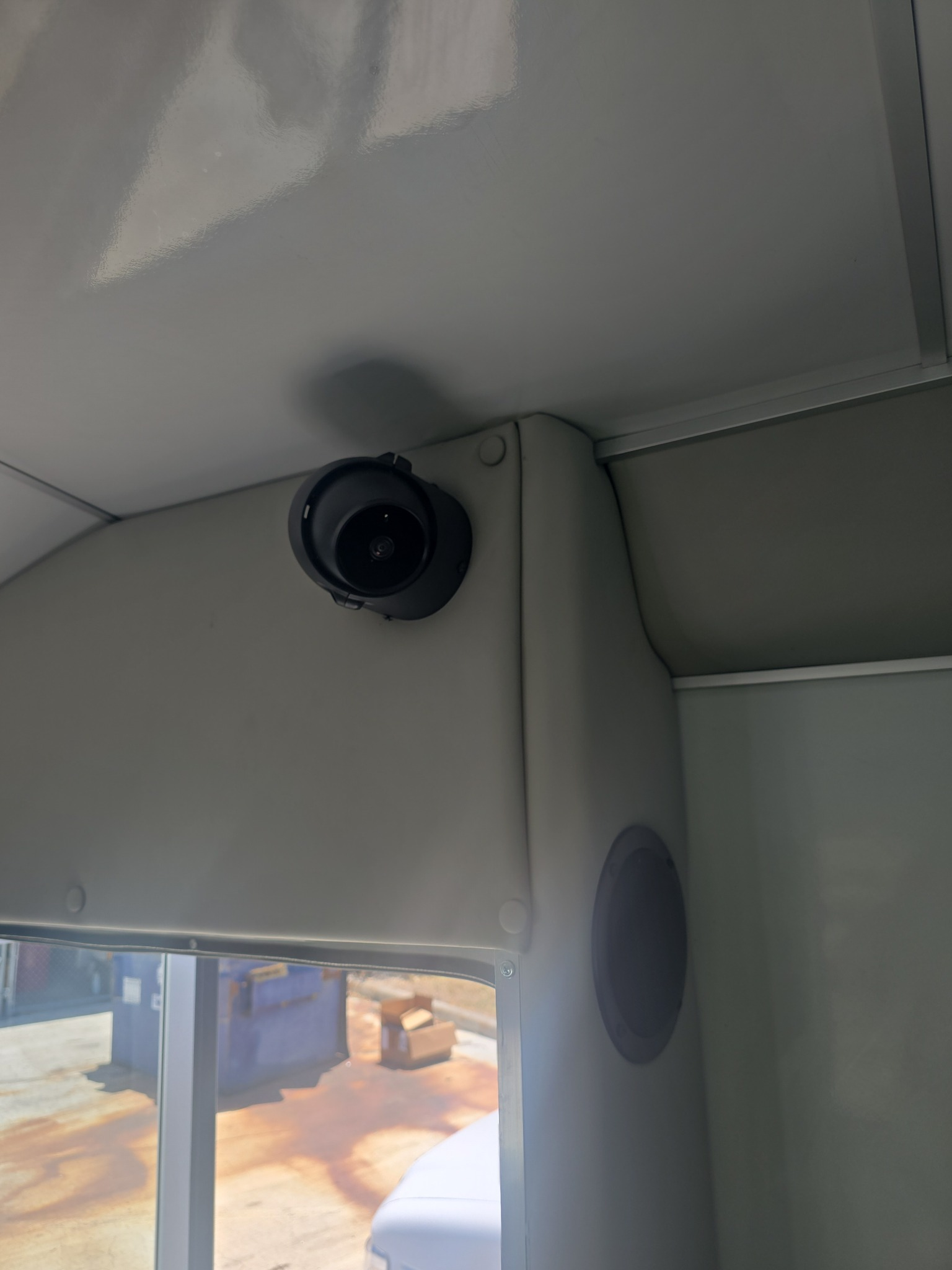
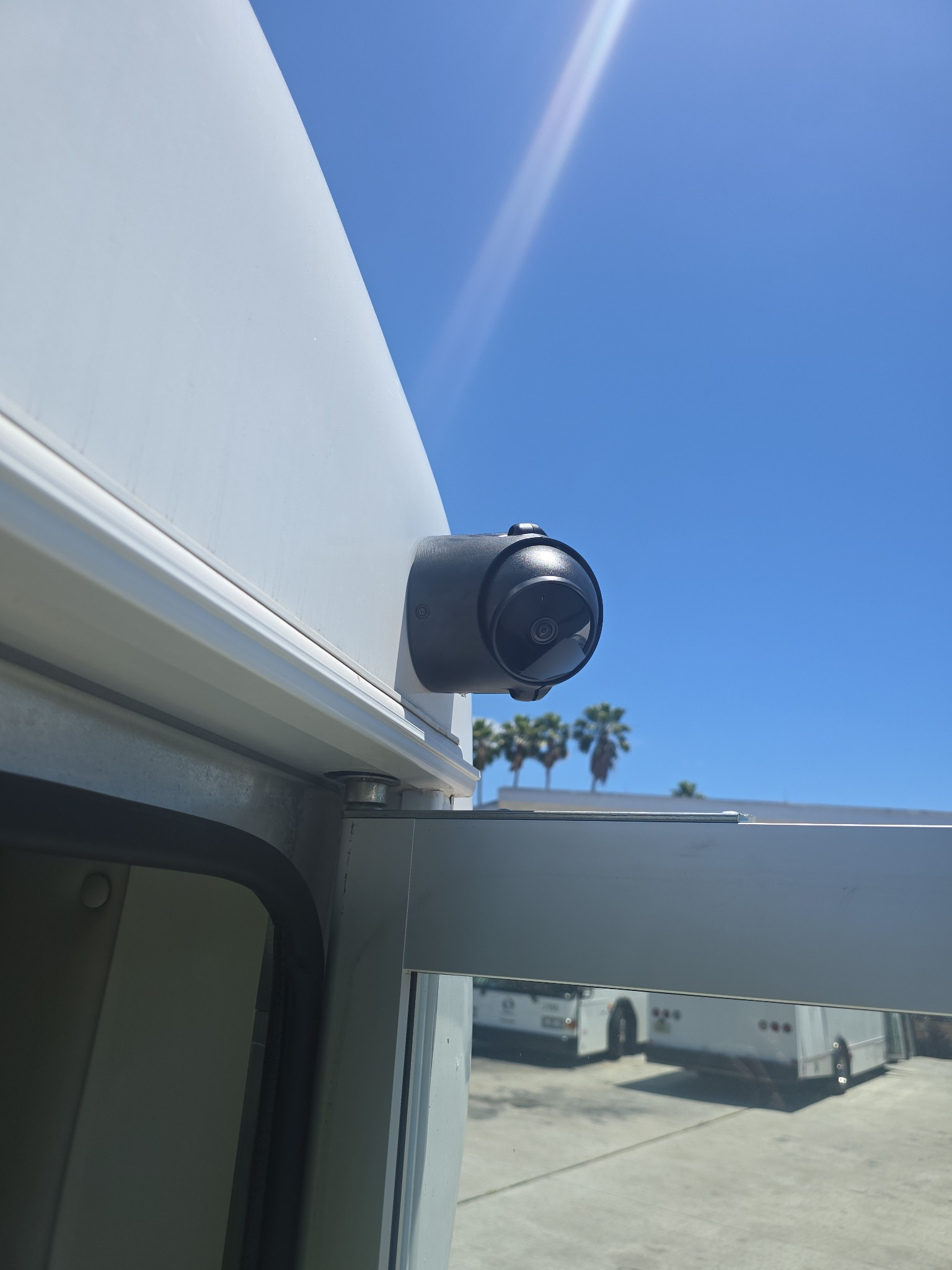
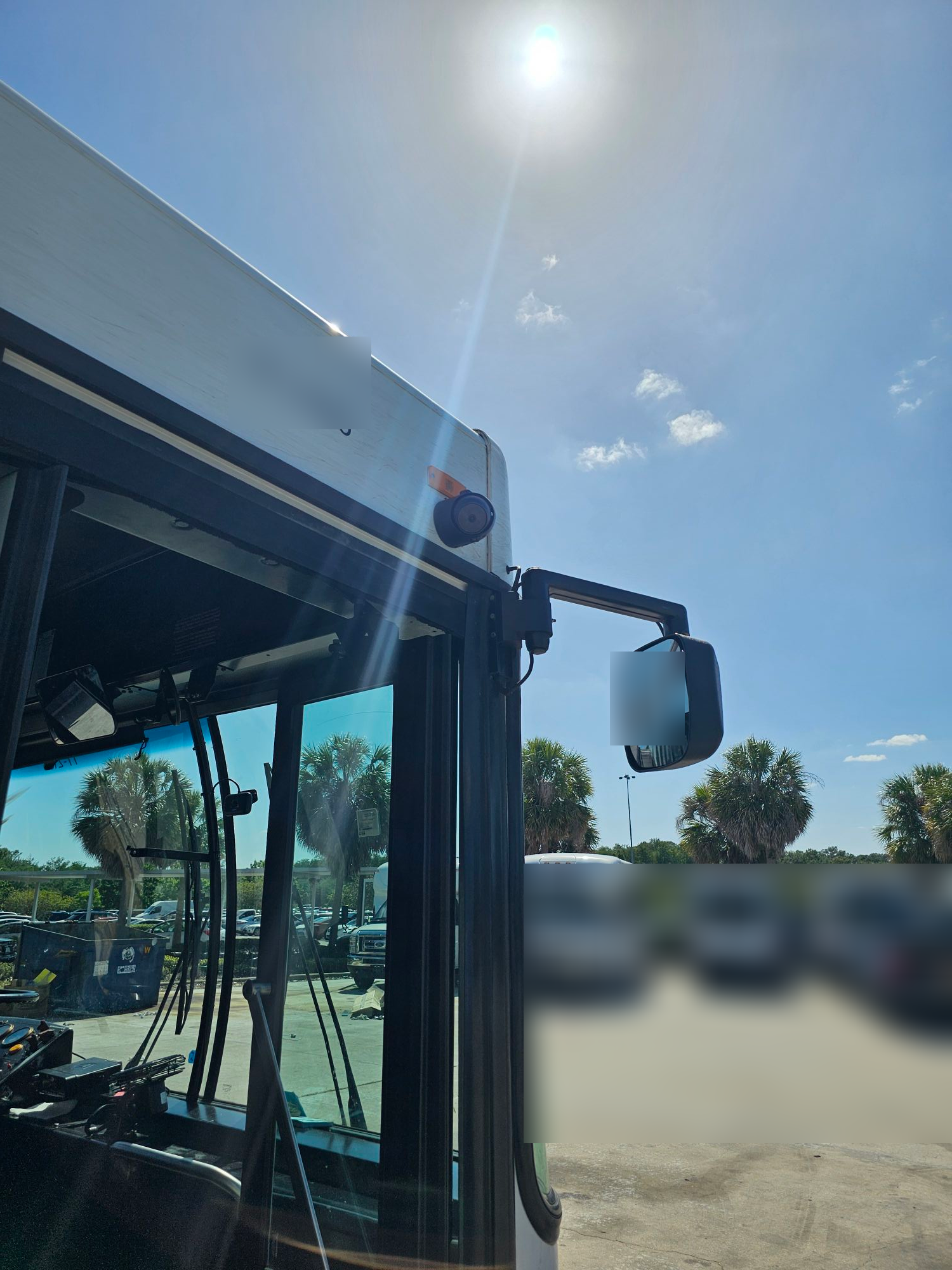
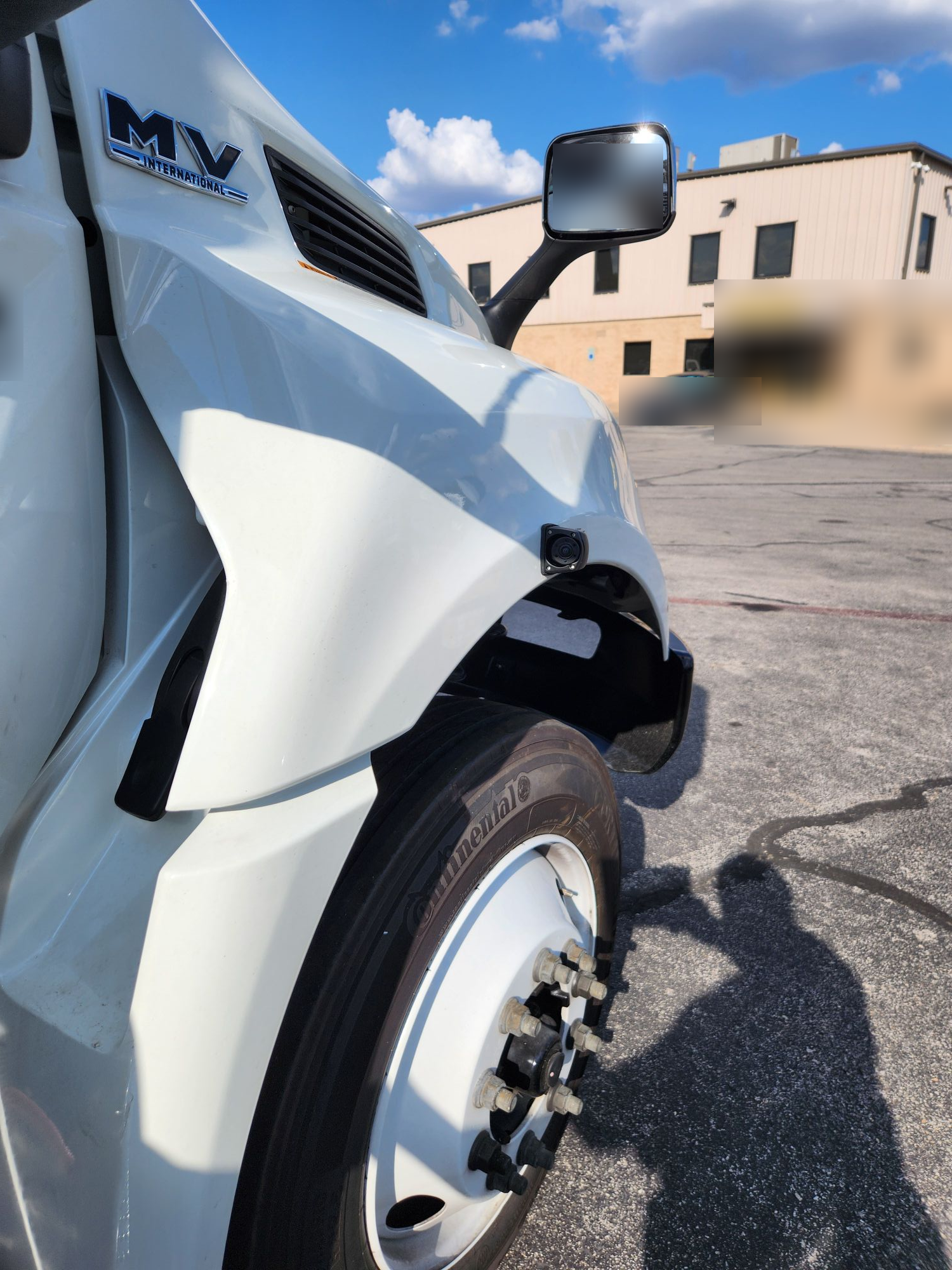
Explore interior and exterior camera placement in selected field photographs.
These selected photographs are separate from the two vehicle-level QC records below. Select an image to enlarge it.
FROM SNI FIELD DOCUMENTATION
Different systems.
The evidence behind each
Choose a system to review the field documentation and selected installation photos.
ONE VEHICLE INSTALLATION PER EXAMPLEThese summaries and selected photos come from two SNI field records. Each covers one vehicle installation, not a fleet deployment. Customer, technician, vehicle and device identifiers are withheld.
ANONYMIZED FIELD RECORD / STANDARD CAMERA SYSTEM
Follow a standard camera installation
This camera and vehicle data recorder (VDR) record links mounting and wiring evidence with platform association and ignition-state checks.
Installation evidence, up close
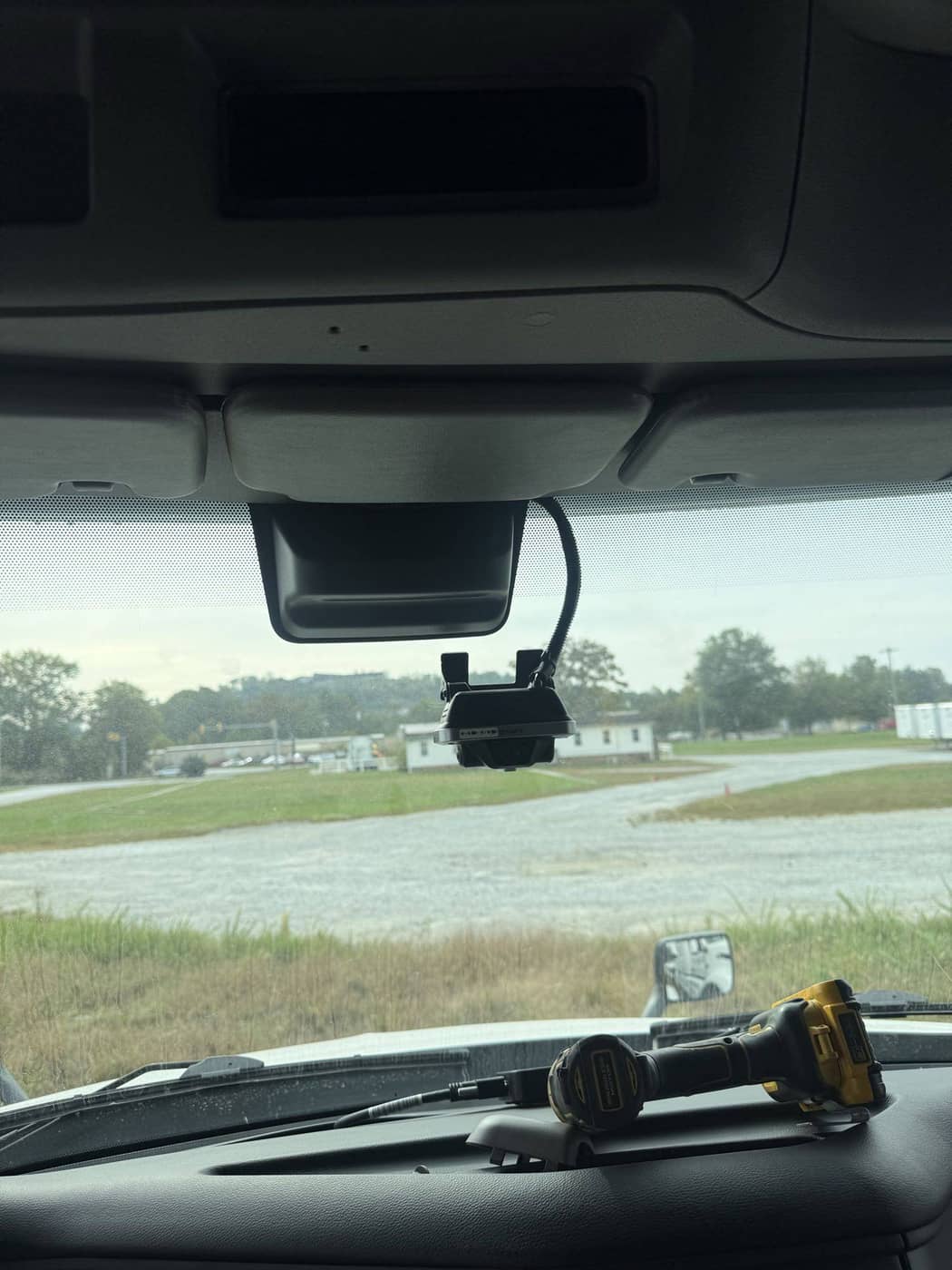
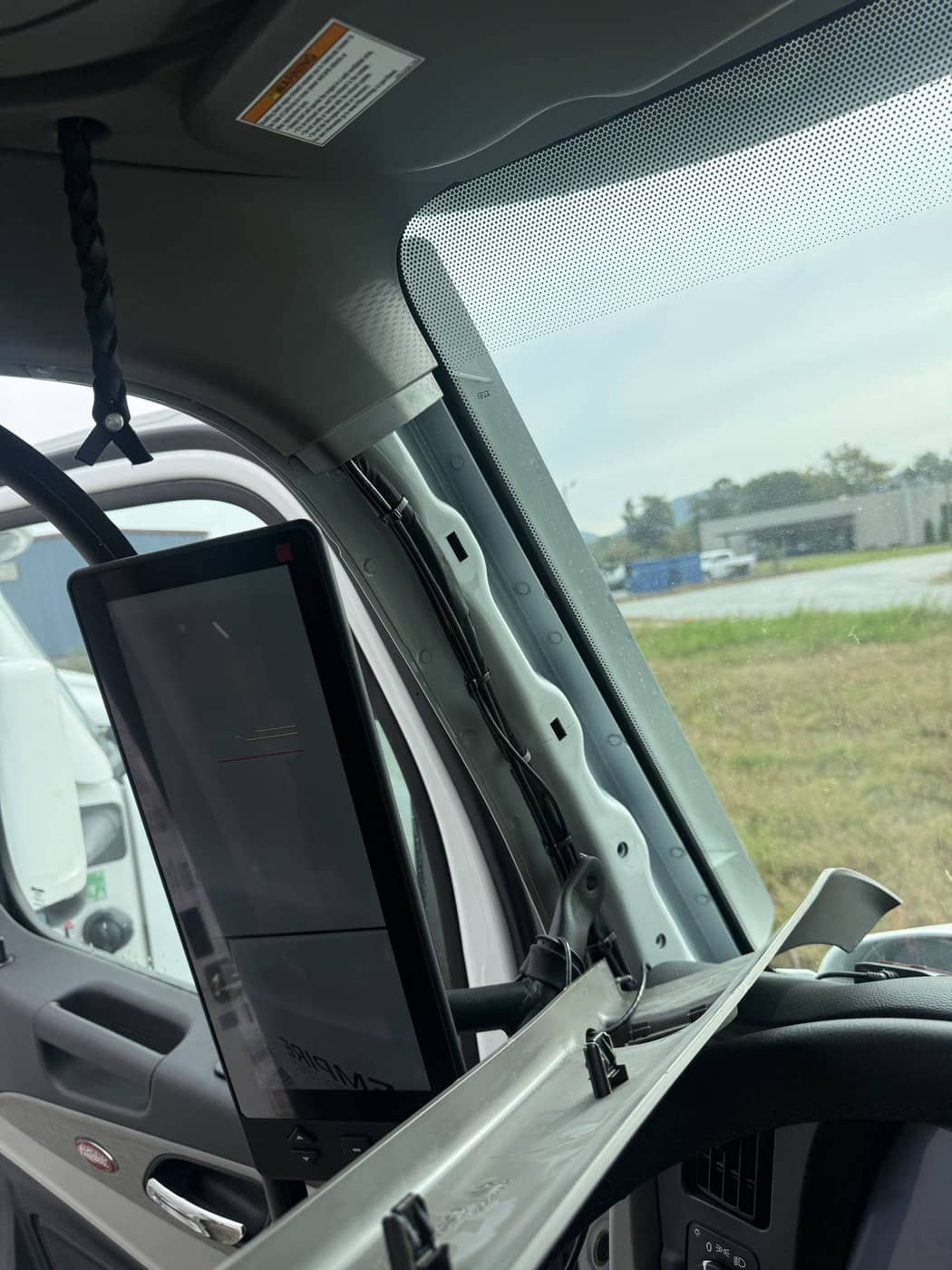
Selected images from this vehicle’s field record. Select an image to enlarge it.
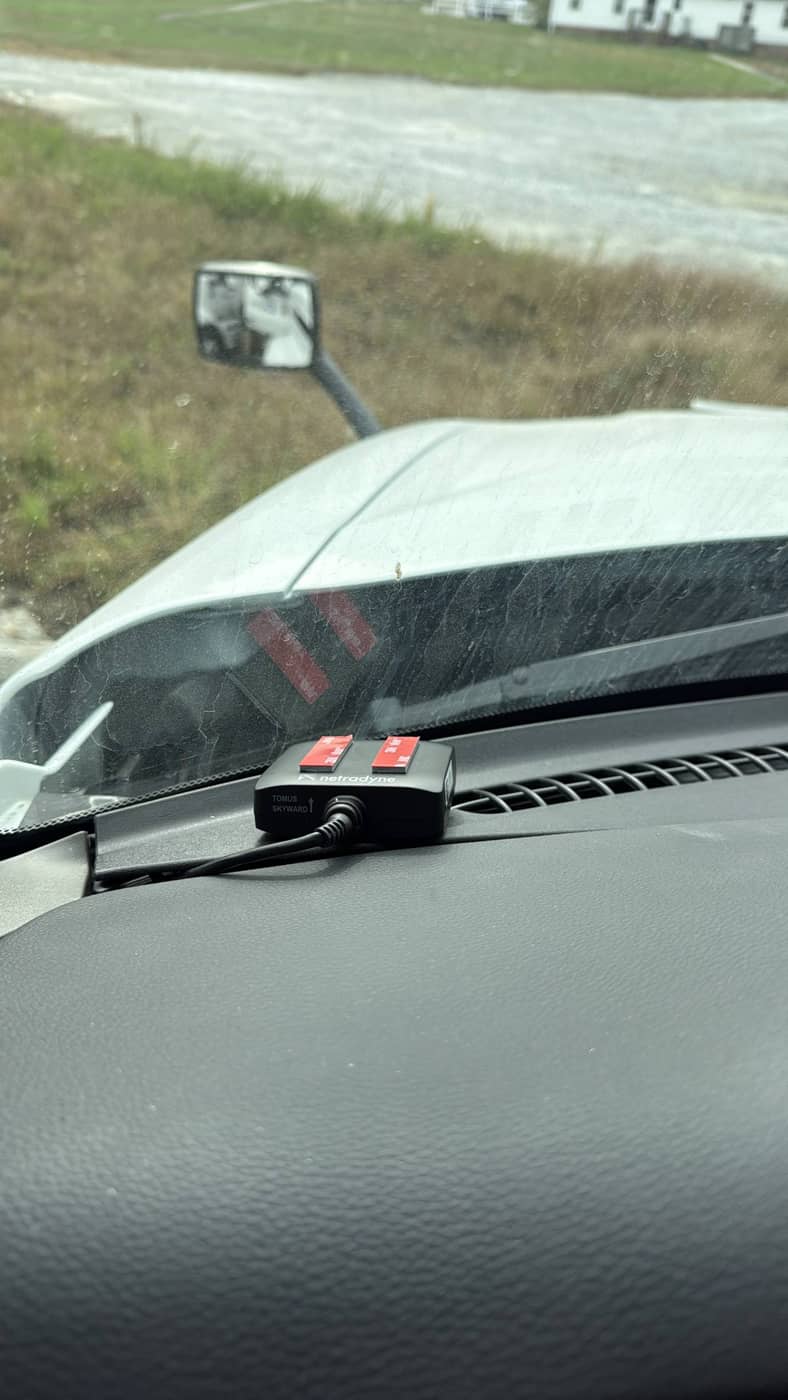
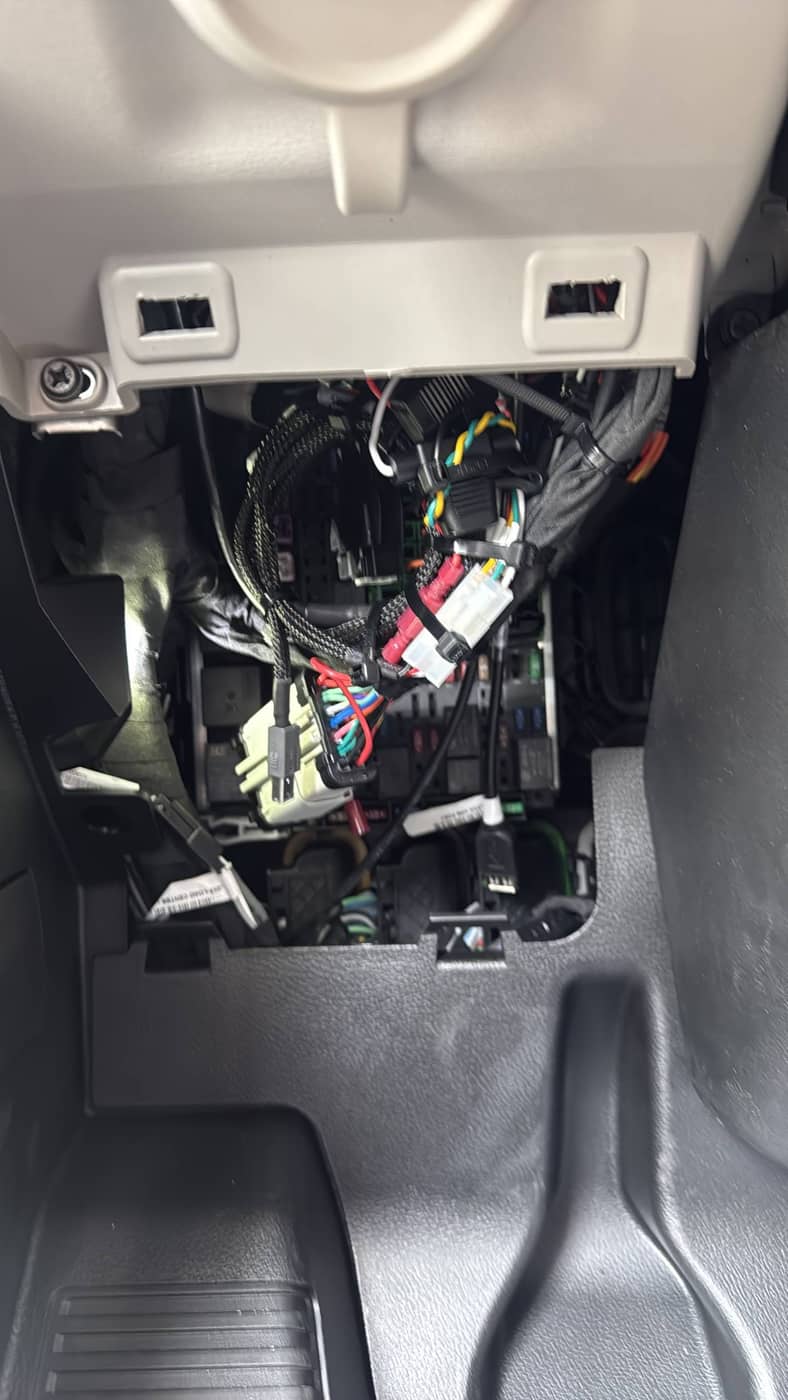
- Asset & equipment
- Vehicle identity and pre-install condition; dash camera and vehicle data recorder (VDR) serial-number records and label photos.
- Mounting & routing
- Windshield mounting and adhesive contact; A-pillar routing away from airbags; antenna placement; secured VDR, excess wiring and connections away from moving parts.
- Power & function
- Power, ignition and ground connection photos; camera views; VDR association; separate ignition-on and ignition-off verification screenshots.
- Completion record
- Platform association report, post-install notes and technician sign-off field. Customer and equipment identifiers are omitted from this example.
ANONYMIZED FIELD RECORD / MULTI-CAMERA SYSTEM
Review a complete multi-camera record
One refuse-vehicle record brings together the dash camera, gateway, dual camera hubs, display and auxiliary cameras.
Installation evidence, up close
Selected images from this vehicle’s field record. Select an image to enlarge it.
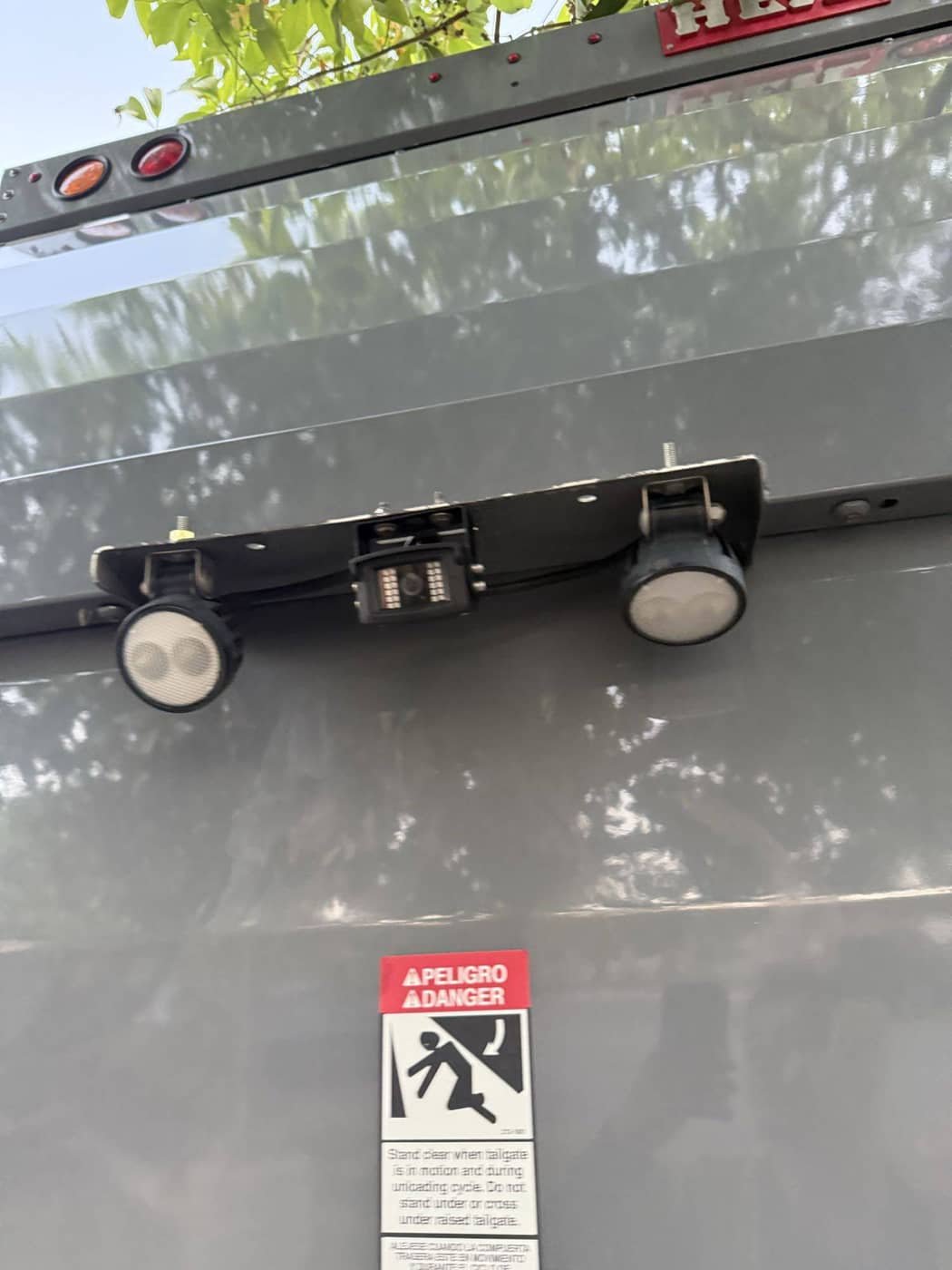
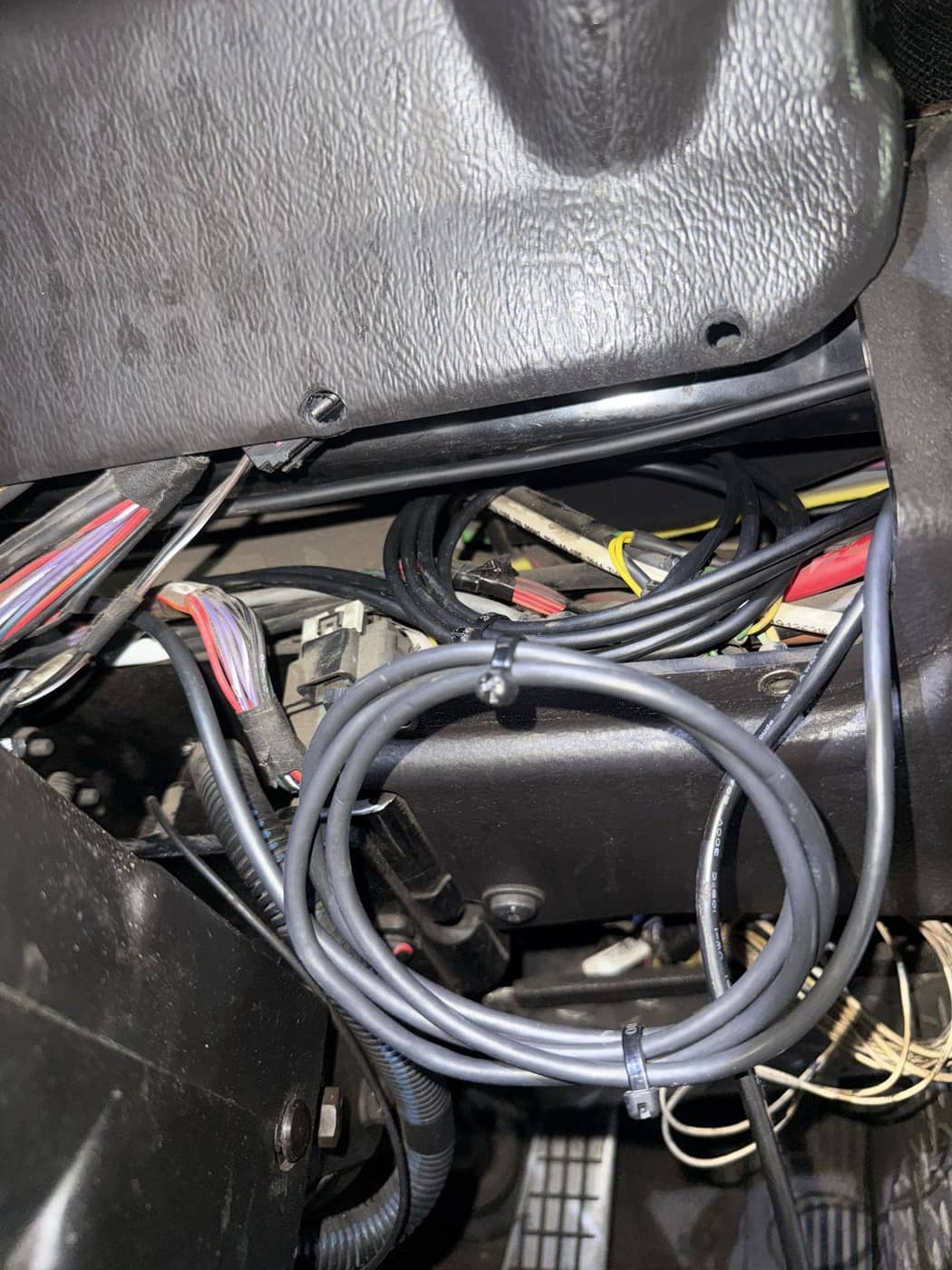
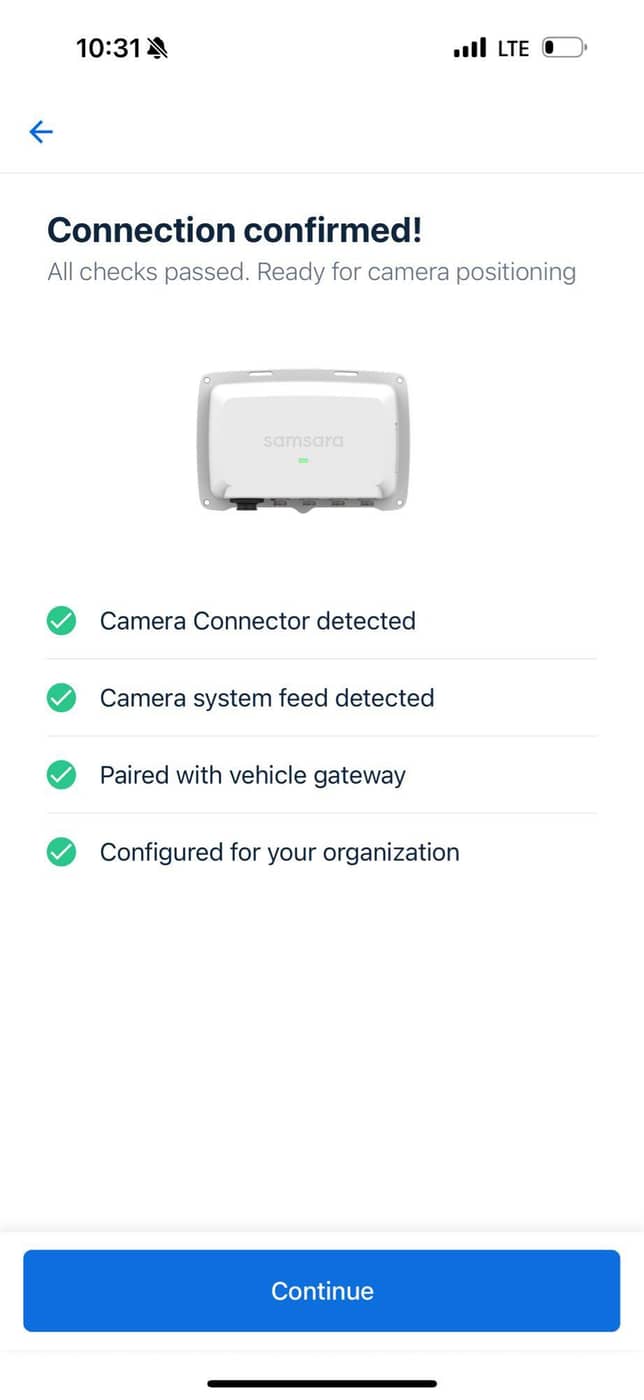
- Asset & equipment
- Vehicle condition and identification; removed equipment; dash camera, vehicle gateway, two camera interface hubs and display identifiers; auxiliary-camera and cable records.
- Mounting & routing
- Dash camera, gateway, hubs, display and auxiliary-camera mounting; cable routing and management; power, ignition, ground and turn/reverse signal connections; sealing of newly made holes.
- Camera configuration
- The source record lists four MC21 and two MC31 auxiliary cameras. App camera views, hub programming screens and the in-cab display document system setup.
- Completion record
- Vehicle-gateway verification screenshots, completed cab photos, additional-component records and technician completion notes. Identifiers are omitted; a selected platform connection check is included in the image gallery.
SNI QC uses technician documentation and platform checks to review work against project requirements. The examples show field evidence rather than a live approval status. Customers can request their company’s installation data sheets.
Explore real-time QC reviewAFTER THE INSTALLATION
Follow an aftercare issue
Explore the information recorded as an equipment issue moves through diagnosis, service and verification.
ILLUSTRATIVE AFTERCARE WORKFLOWThis fictional example demonstrates the reporting structure. It does not show a live customer record or measured SNI performance.
DEMONSTRATION / ISSUE RECEIVED
Identify the equipment and the concern
In this example, a customer reports an offline GPS device. The record identifies the fleet unit, device, site contact and observed symptoms.
- Issue
- Device reported offline
- Asset / device link
- Example unit A / Example device A
- Coordinator
- Designated service owner
- Next step
- Review available information and access
DEMONSTRATION / REMOTE DIAGNOSIS
Record the investigation and next action
Record the information reviewed, remote checks performed and whether a field visit is needed. Note the platform access available for the investigation.
- Access
- Customer-authorized platform access, if available
- Diagnostic record
- Symptoms, checks and findings
- Resolution path
- Remote verification or approved field service
- Customer update
- Findings and next action
DEMONSTRATION / FIELD SERVICE
Connect the approved work with its evidence
For field work, link the asset with the assigned technician, approved scope, parts and service actions. This remains an illustrative repair record.
- Equipment
- Installed and removed device identifiers
- Electrical checks
- Power, ignition/ACC and ground, as applicable
- Workmanship
- Mounting, wire routing and circuit protection
- Evidence
- Required service photos and functional checks
DEMONSTRATION / QC & CLOSURE
Verification supports the completion record
QC reviews the required evidence and records the verification result. Unresolved concerns remain open for correction or escalation before closure.
- QC review
- Required photos and documentation reviewed
- Functional verification
- GPS/cellular or camera function, as applicable
- Exceptions
- Corrected or escalated with documentation
- Closure
- Service history and verification result recorded
A record your team can follow
Vehicle and device identities, electrical details, functional checks, QC records and technician sign-off give each installation a documented history. Reporting reflects the technology and your project requirements.
Command Center is SNI’s project reporting process. Daily updates show completed work, missed installations and overall progress.
Explore Command Center reportingSTART WITH YOUR FLEET